
StockTrack
StockTrack puts day-to-day stock work on a handheld scanner, Android phone or iPhone. Staff scan barcodes and work against live Accredo data, and a web dashboard lets you control who can do what.
Stock work shouldn't wait for a desk
Counting, receiving and picking are done on the warehouse floor, but the records live in Accredo at the office. That usually means paper lists, re-keying and numbers that are out of date by the time they're entered. StockTrack lets staff do each job where it happens, against live Accredo data.
How it works
- Staff sign in with their Accredo login and see only the tasks they have been given permission for.
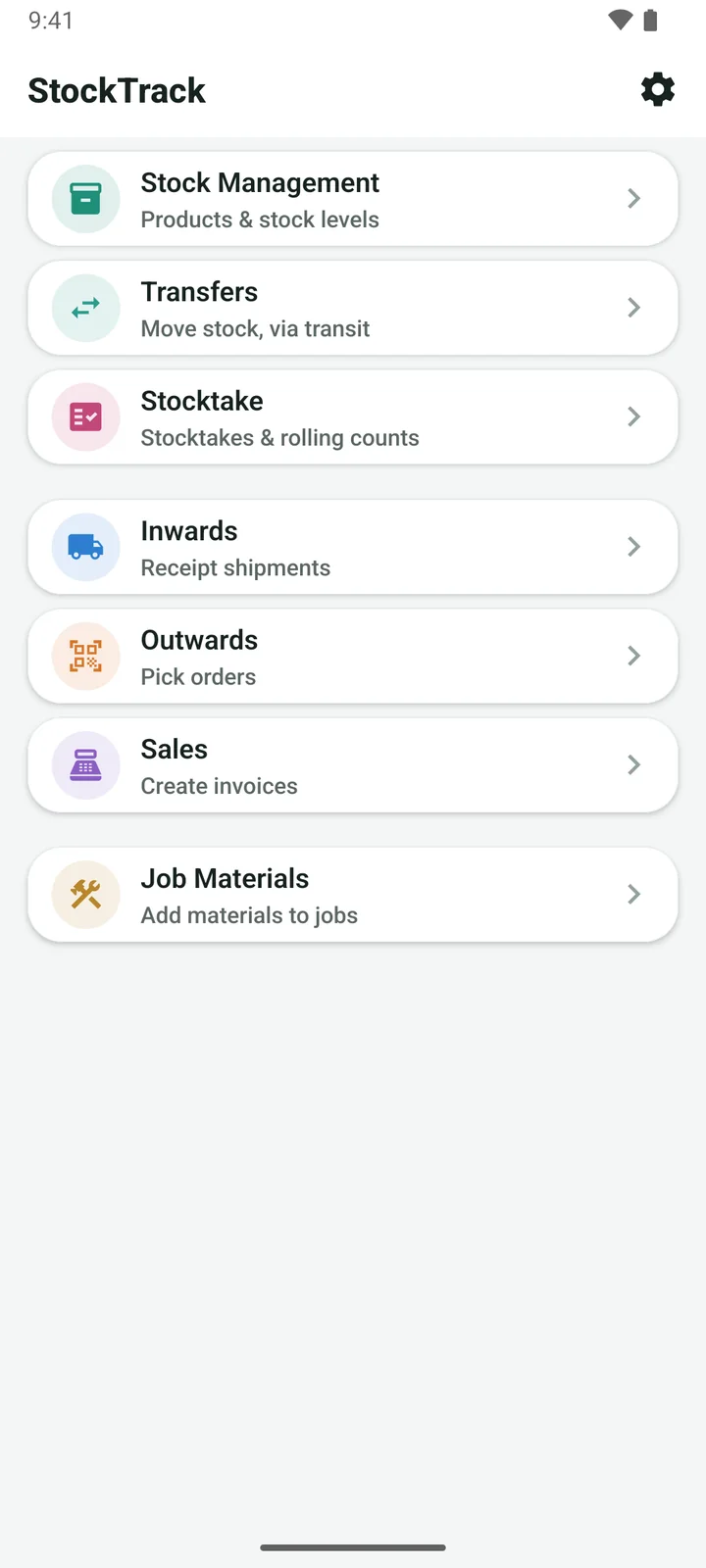
- They pick a task, such as Inwards, Stocktake, Transfers or Job Materials, and scan products to work through it.
- StockTrack checks each scan against the document it belongs to, so a product that isn't on the shipment or count sheet is rejected on the spot.
- When saved, the result is written to Accredo. Posting stays with the office, so you keep your usual controls.
Who it's for
- Accredo businesses that hold stock, such as wholesalers, distributors and retailers
- Warehouses that receive, pick and count with handheld scanners
- Shops that want to sell from the shop floor without queuing at the till
- Businesses that cost stock to jobs and want materials recorded where they are used
Features
Click a screenshot to see it full size.
Sales
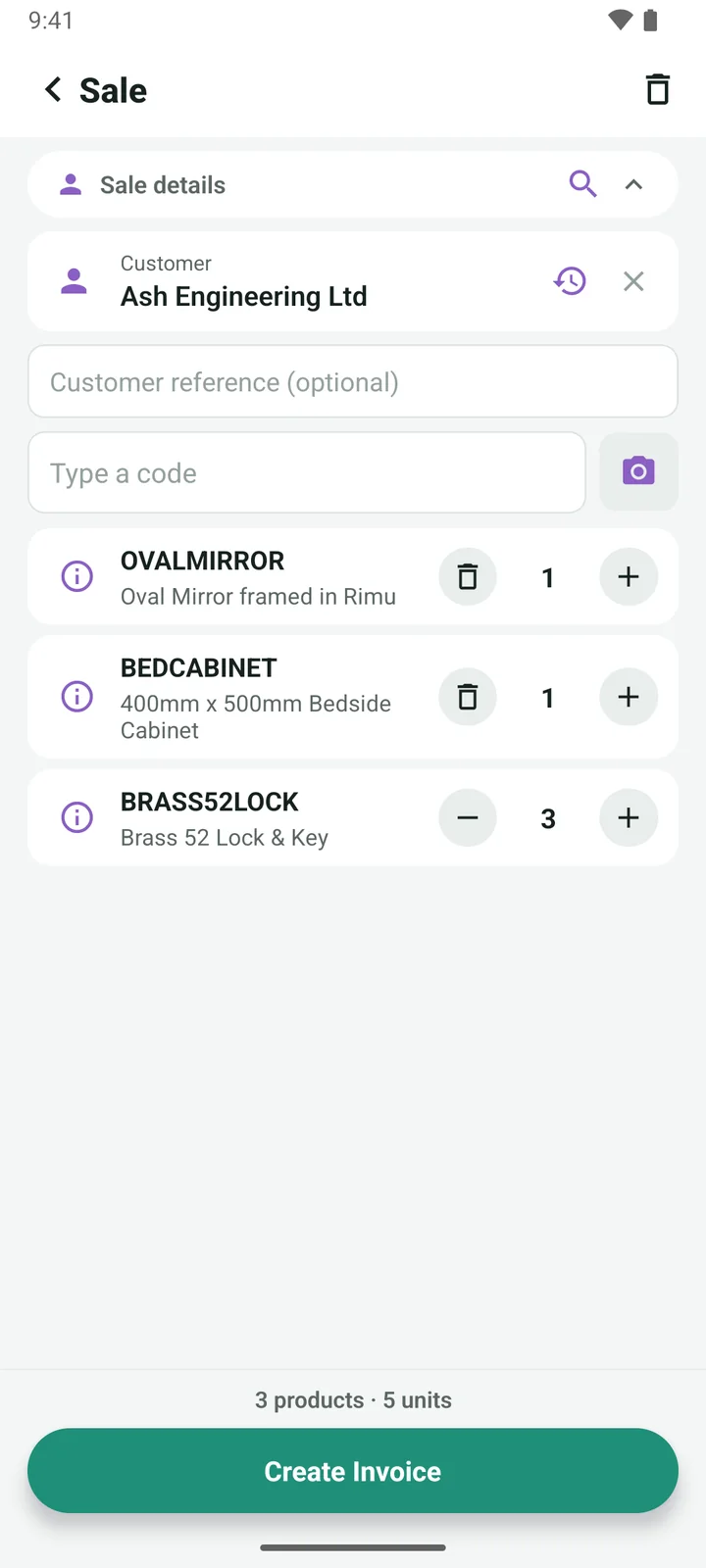
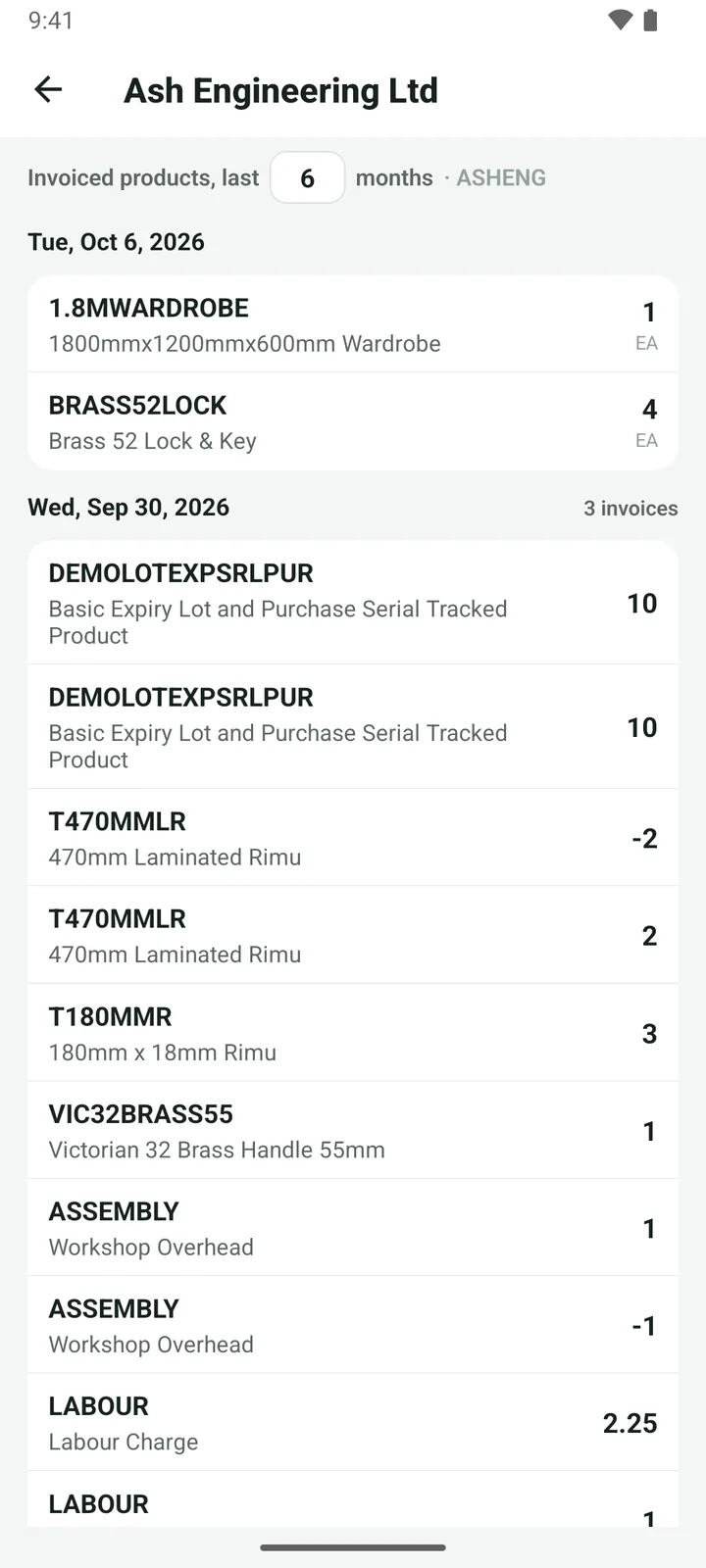
Walk the store with a customer, scanning products into a list. On save, StockTrack creates an invoice in Accredo. Sell to a named customer or the company cash customer, check what that customer has bought before, and choose which location you are selling from. Posting and payment stay with the office.
Stock management
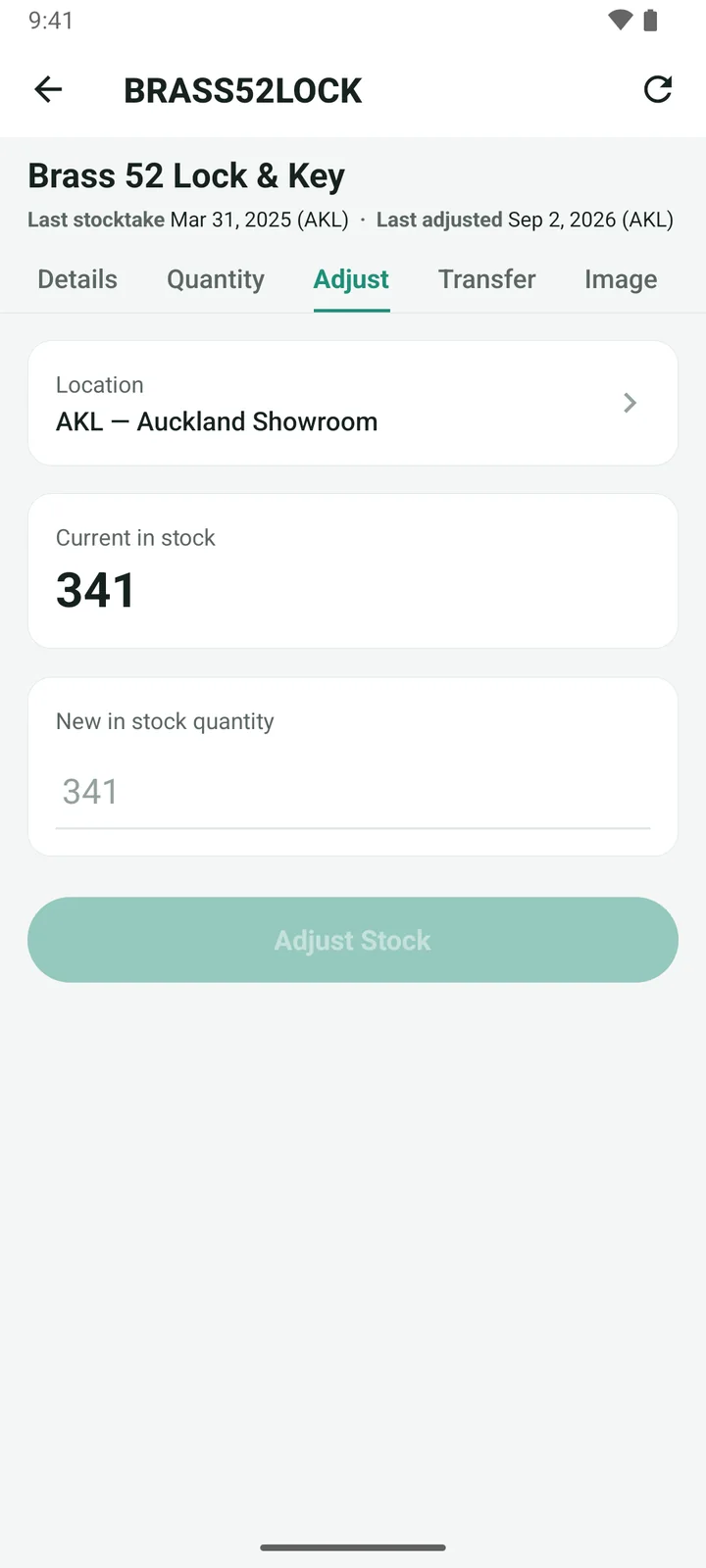
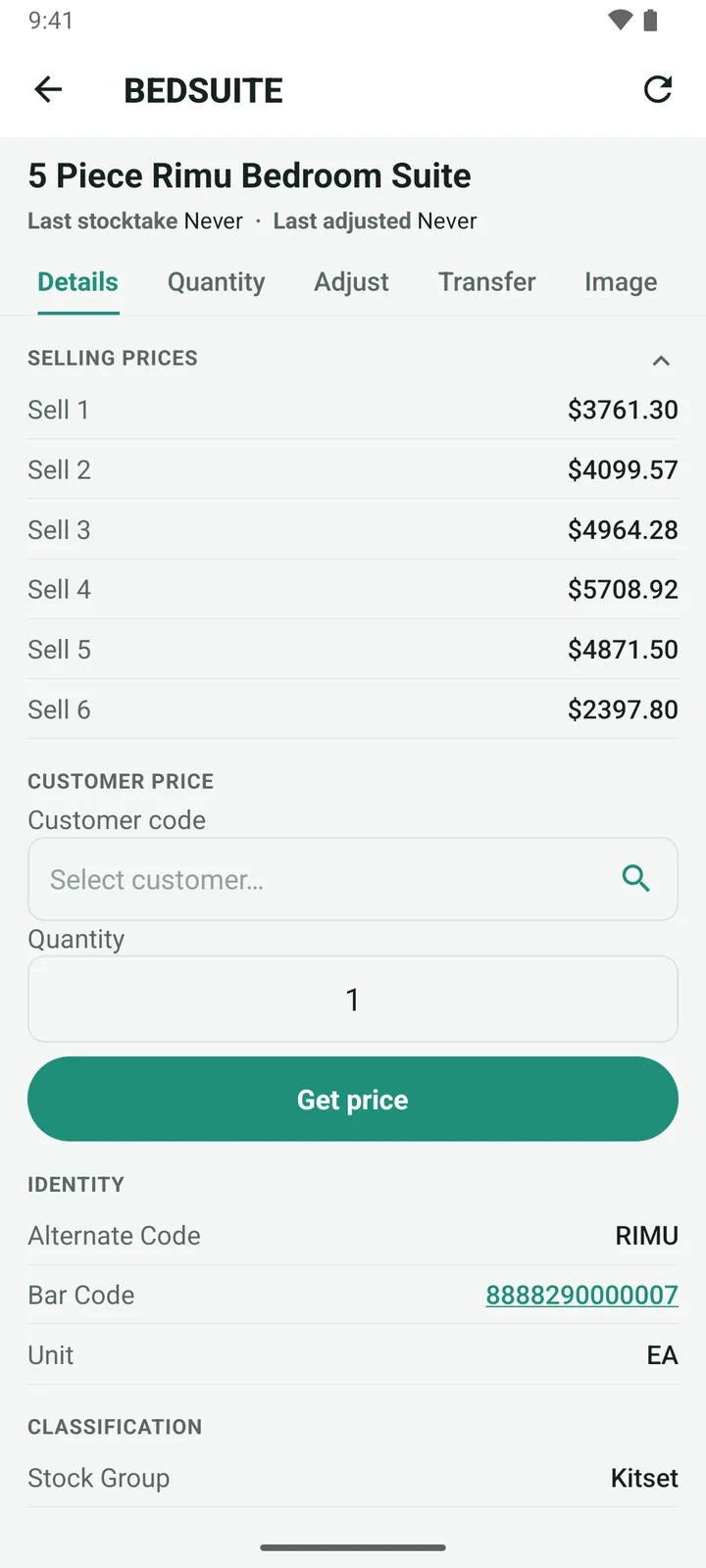
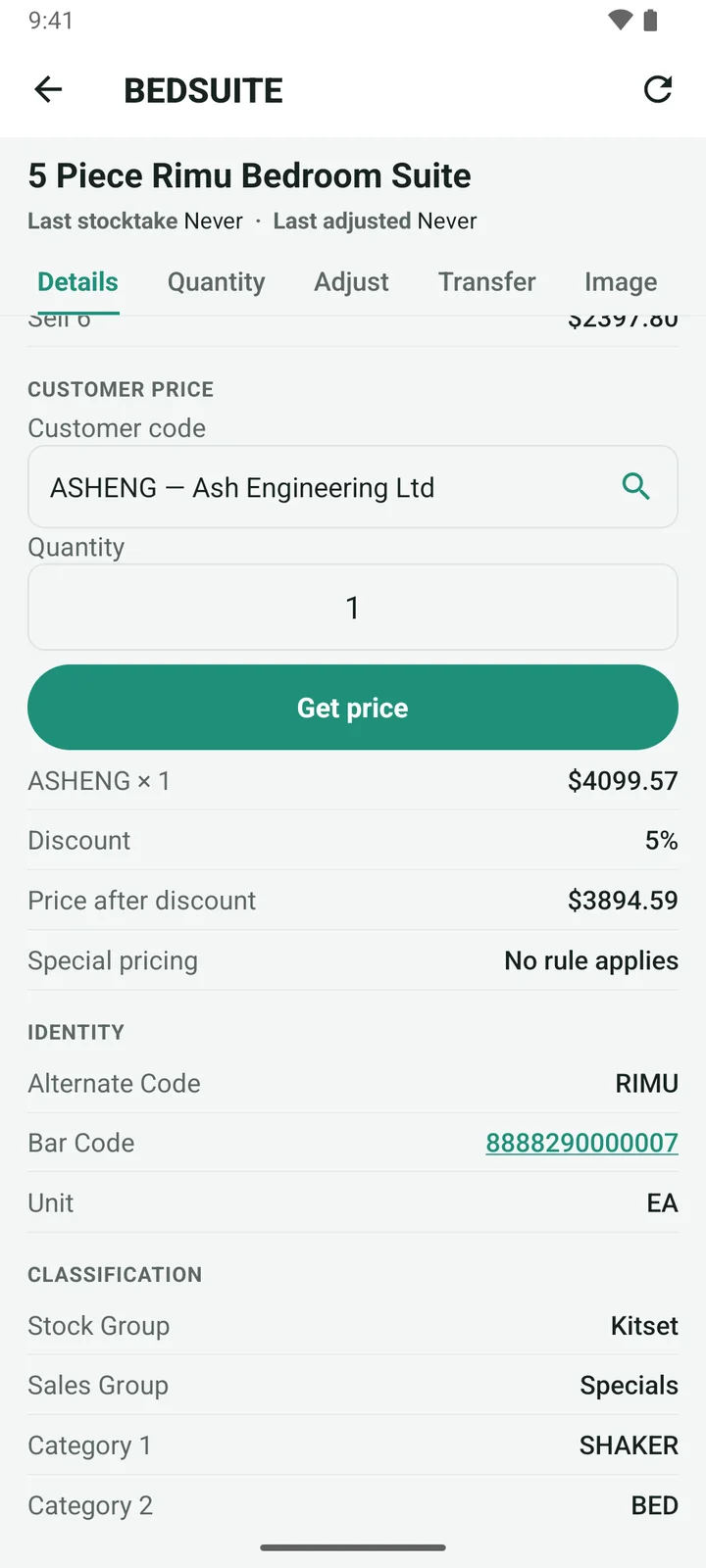
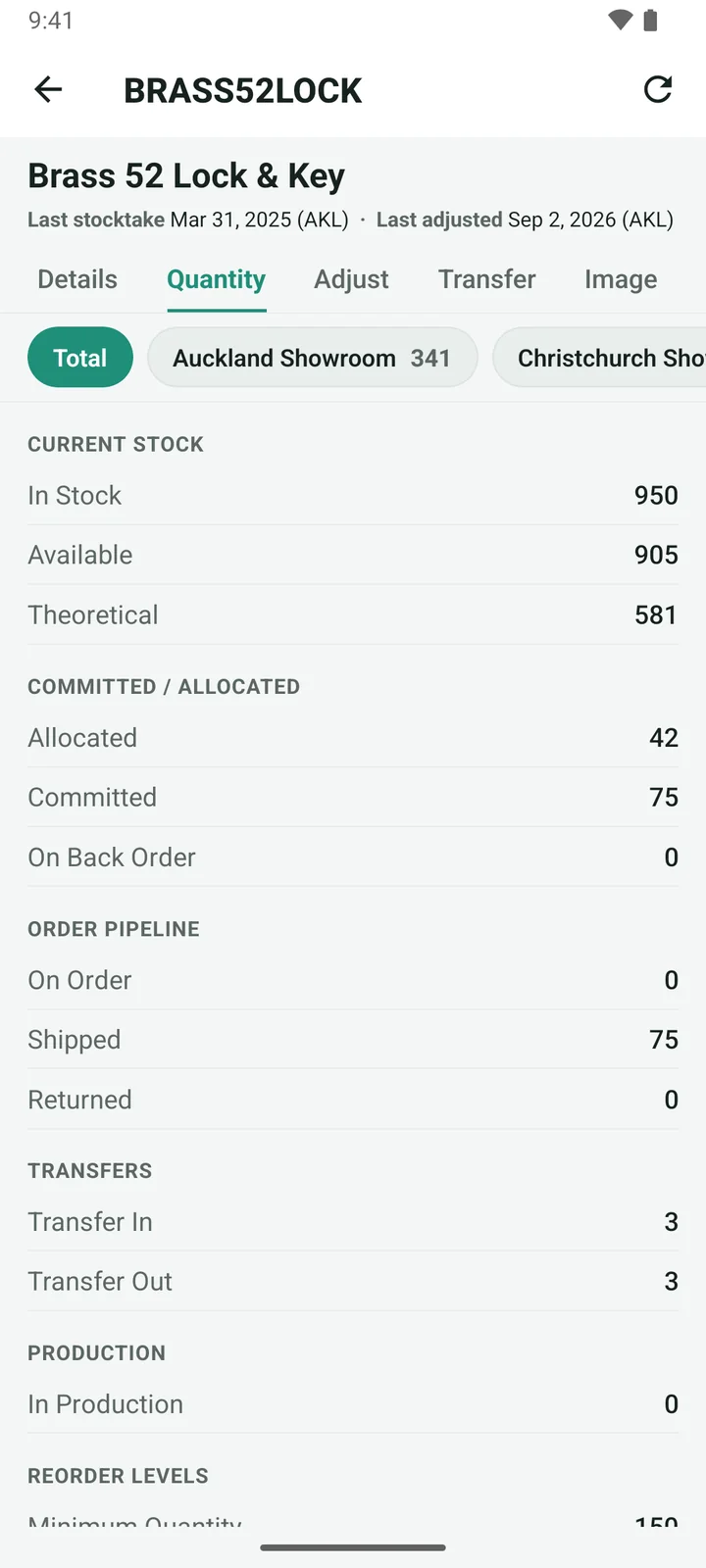
Search for a product and see its details, selling prices, quantities by location, transfers, image and links. Look up the price a particular customer would pay, and see when the product was last stocktaked and last adjusted. Adjust stock, correct barcodes and bins, and take product photos.
Inwards
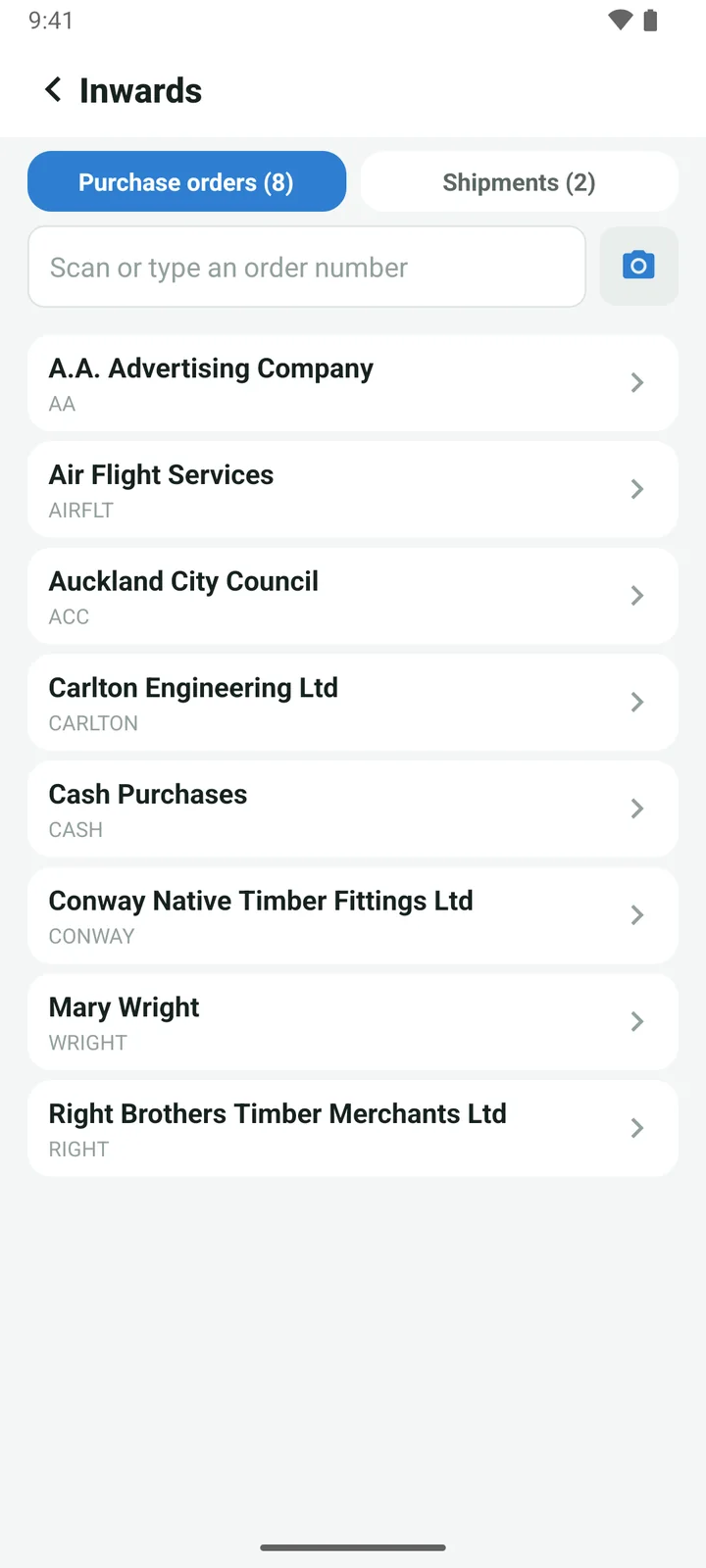
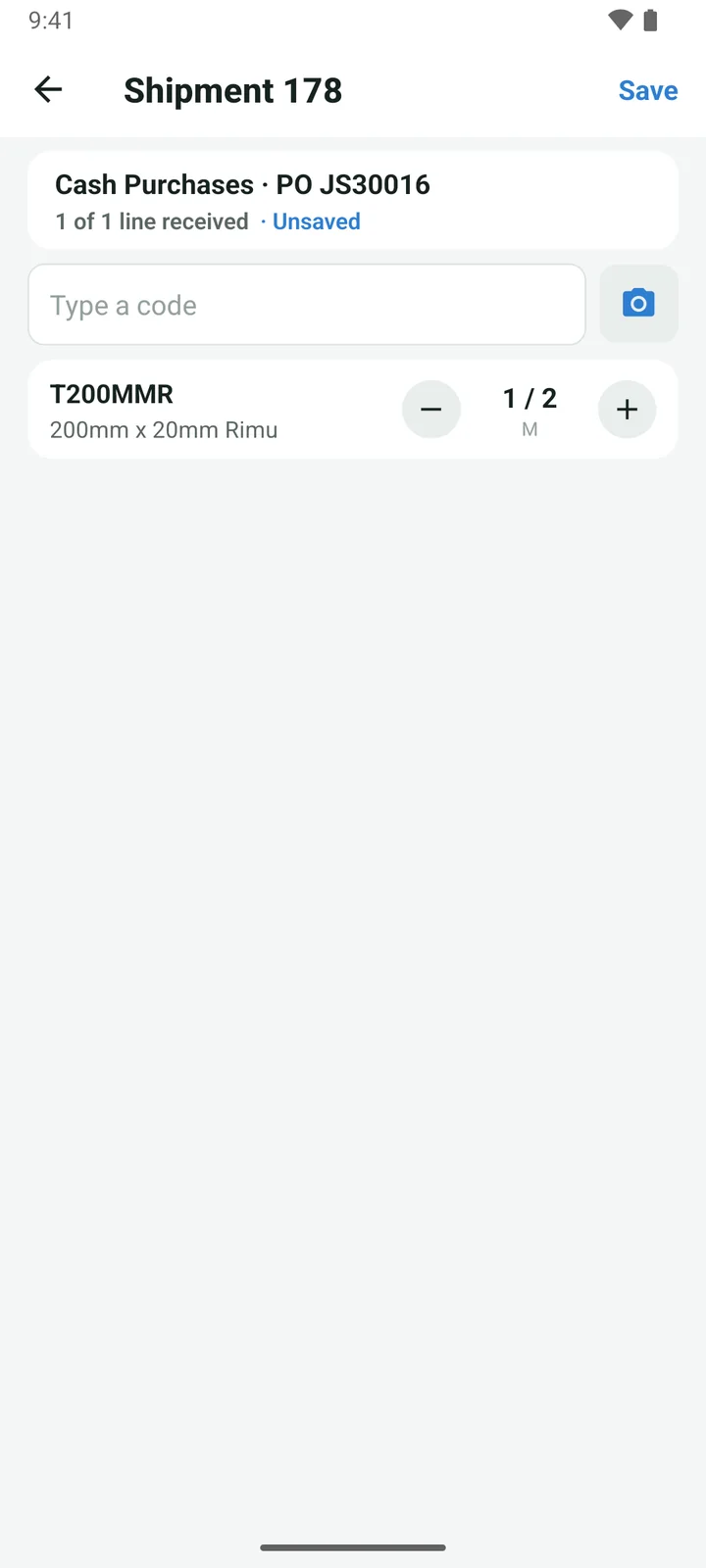
Receive goods against a purchase order shipment, or create the shipment from a purchase order on the spot. Scan products as they arrive, and products that are not on the shipment are rejected.
Outwards
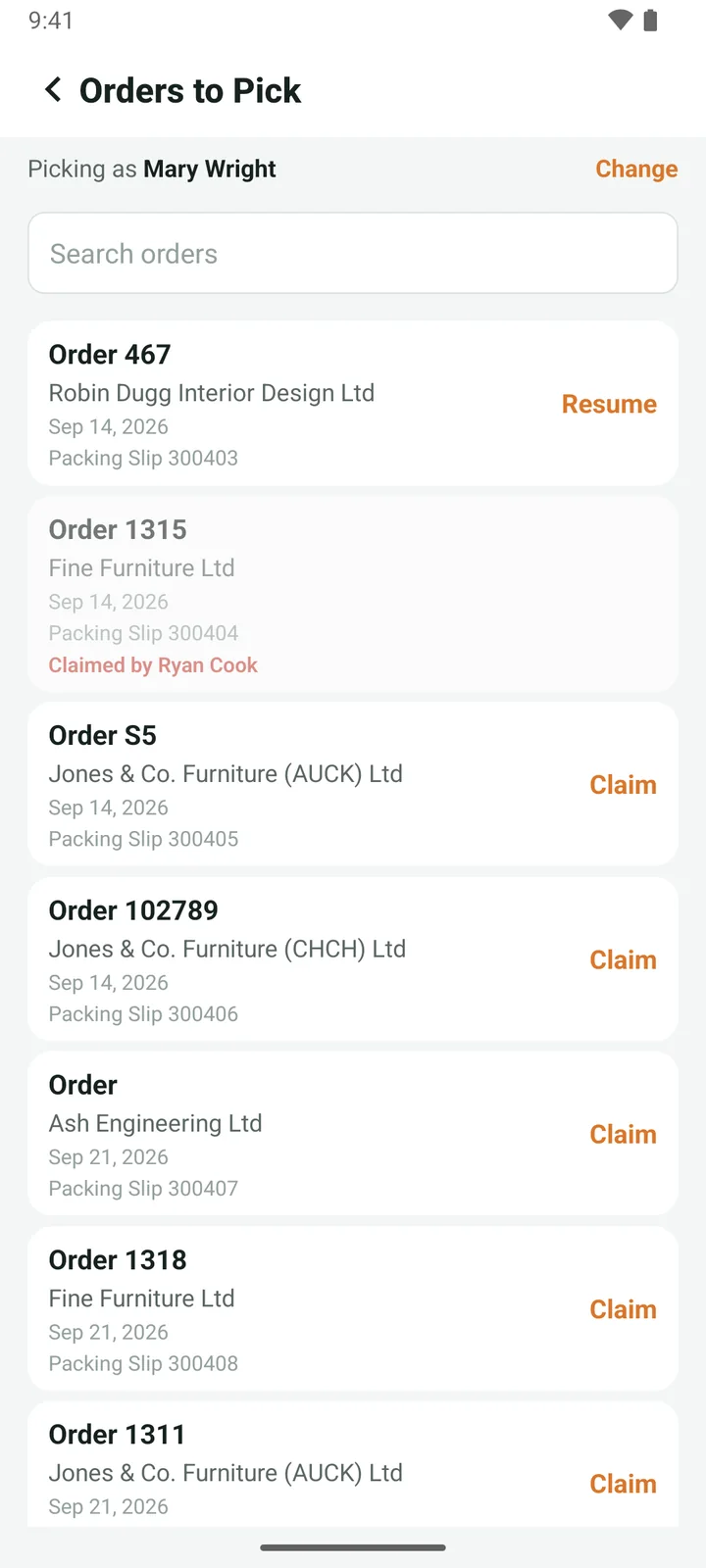
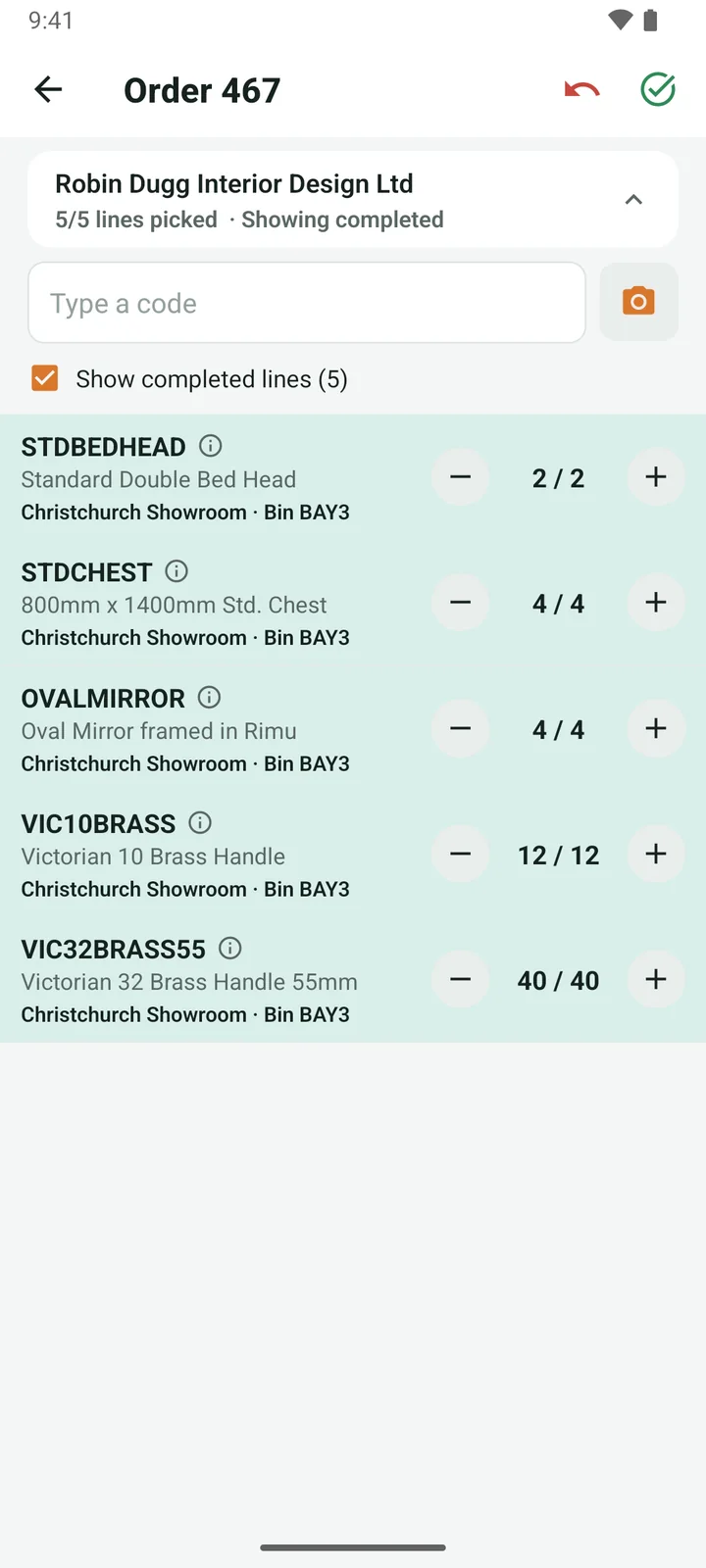
Pick products from a sales order for shipping. Claim an order, pick it, then save or release it.
Stocktake
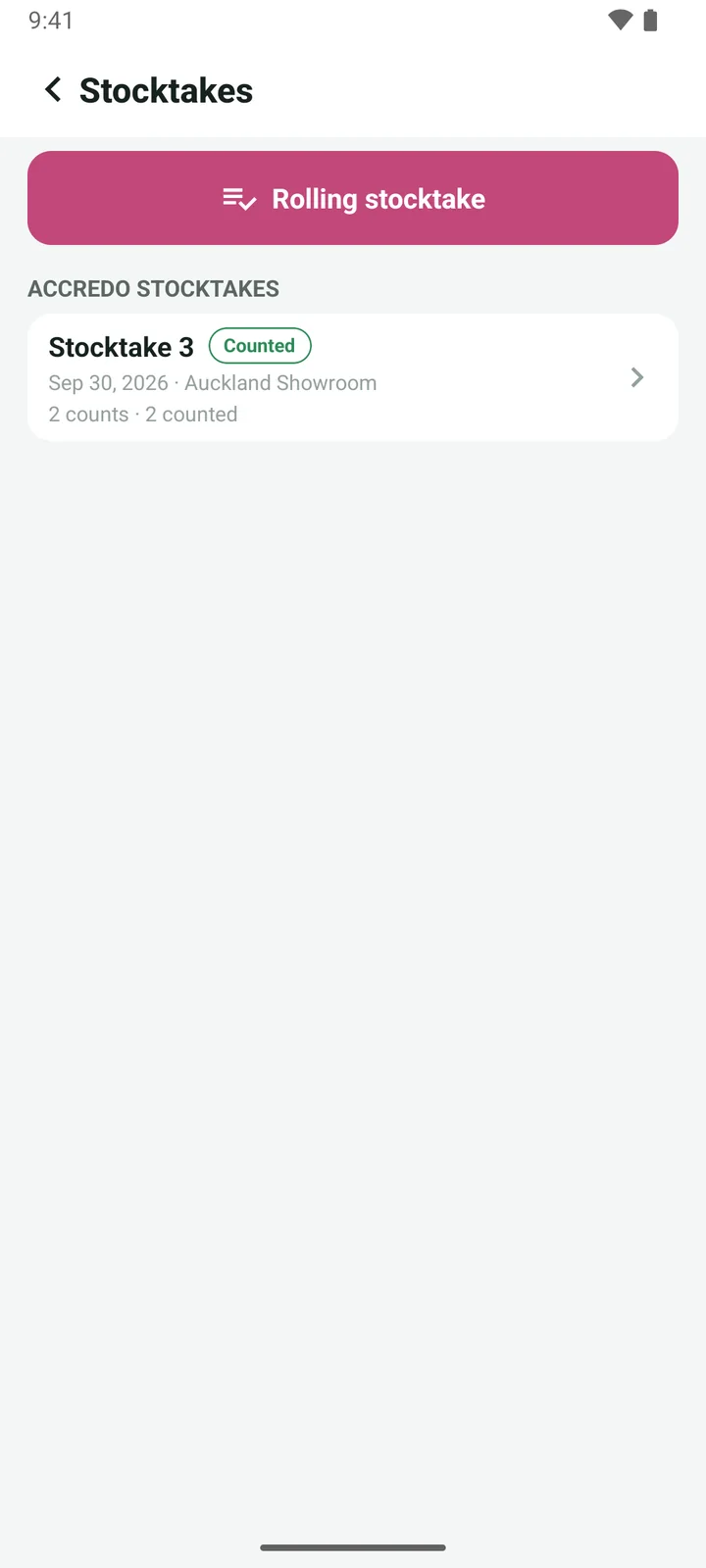
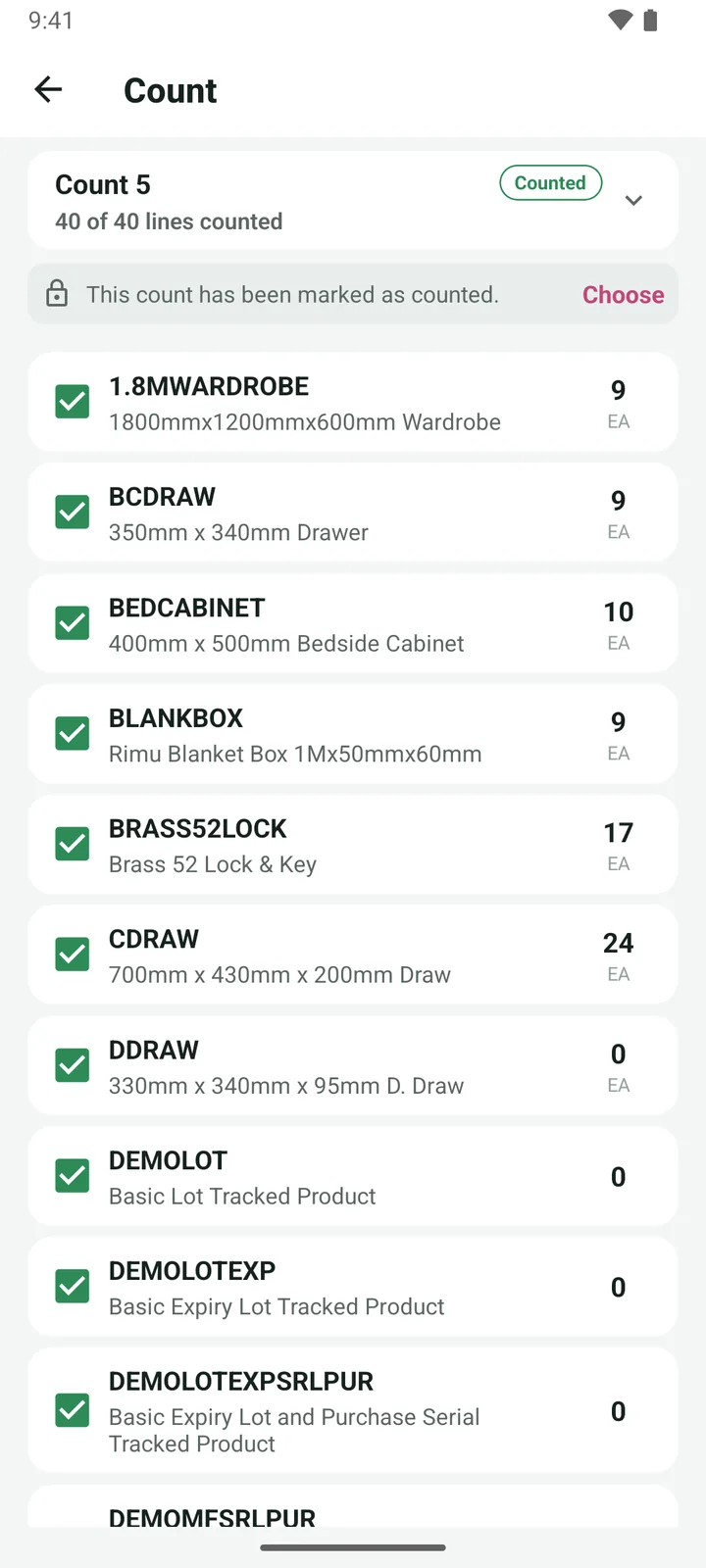
Count Accredo stocktakes on the floor. Scan or enter counted quantities against the count sheet assigned to you, then mark the sheet as counted.
Rolling stocktake
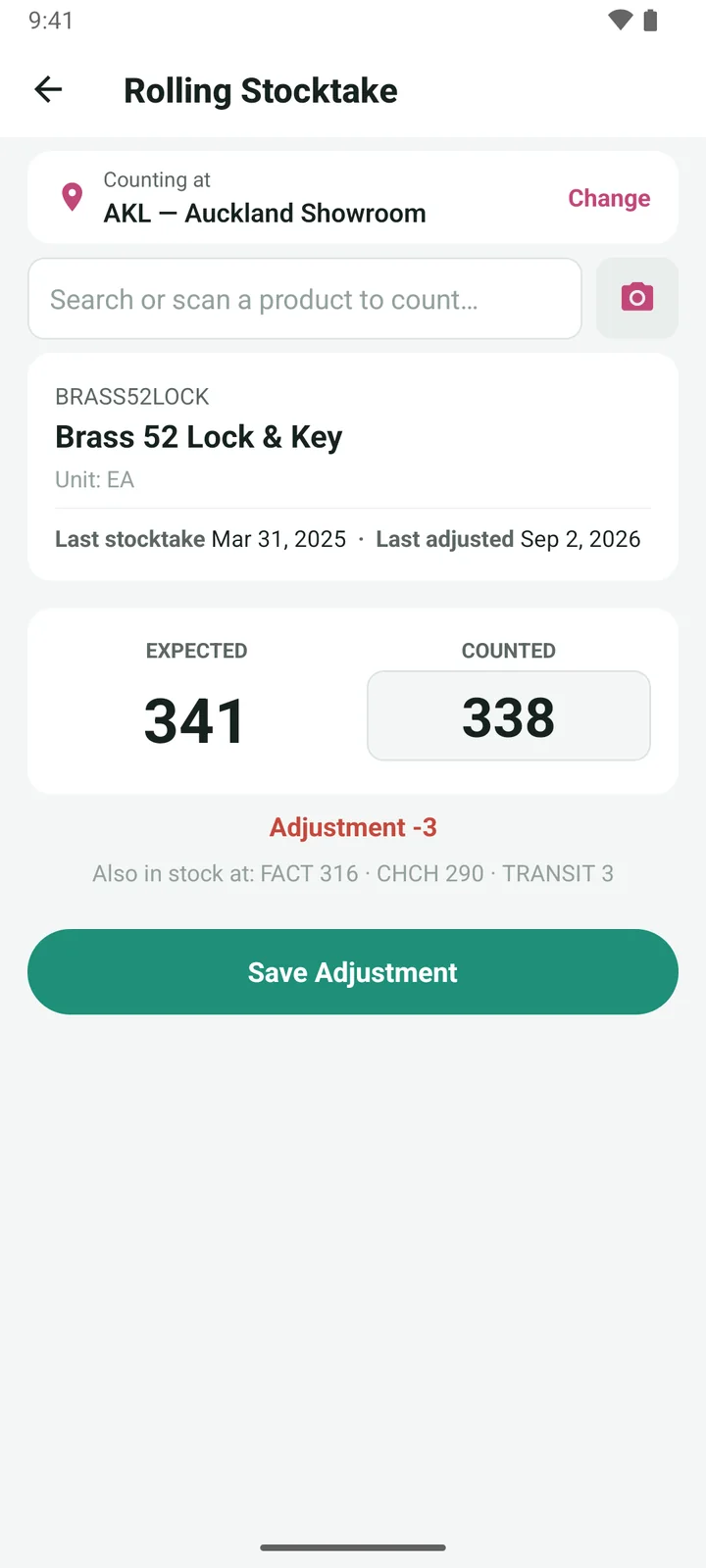
Count one product at a time without setting up a full stocktake. Scan the product, see what should be on hand at the location you are counting, enter what is really there, and StockTrack adjusts Accredo to match.
Transfers
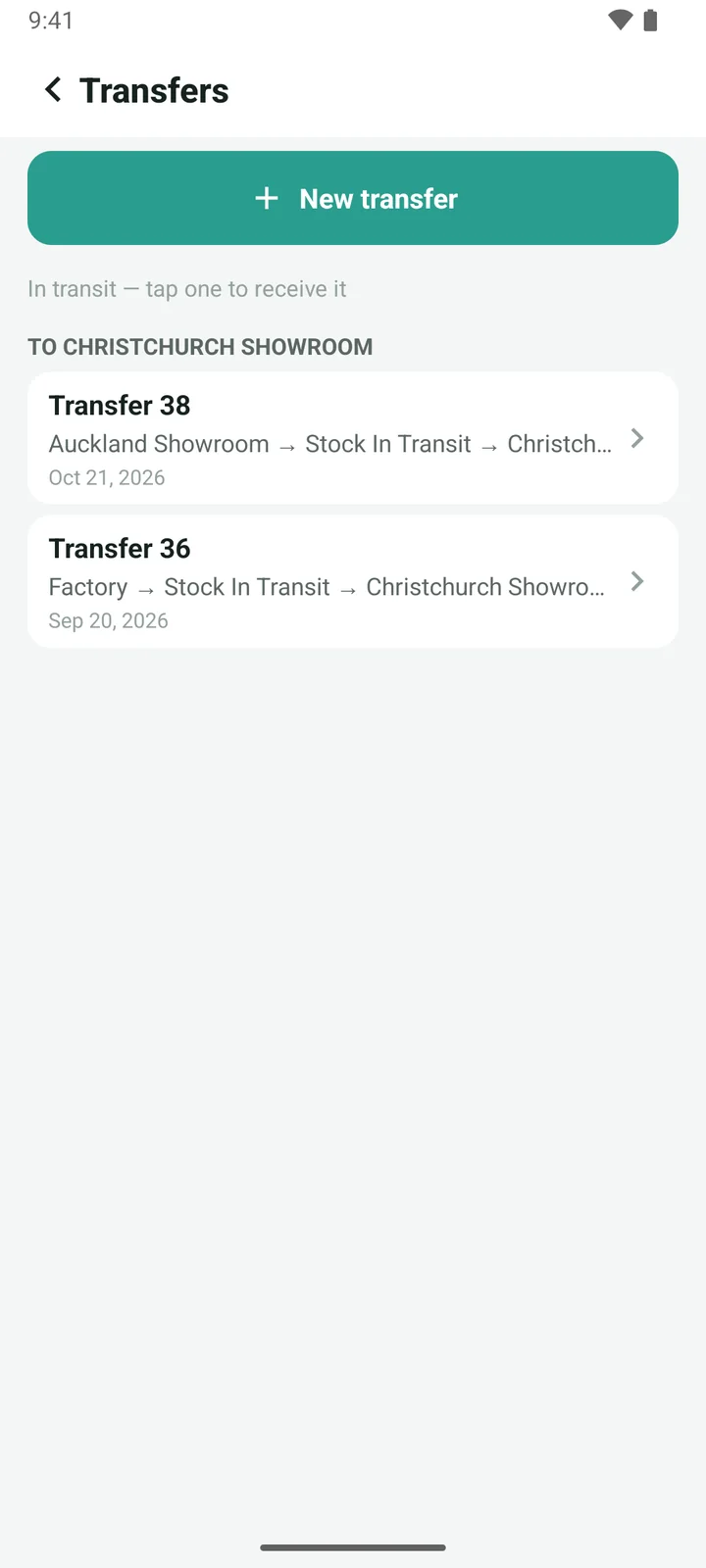
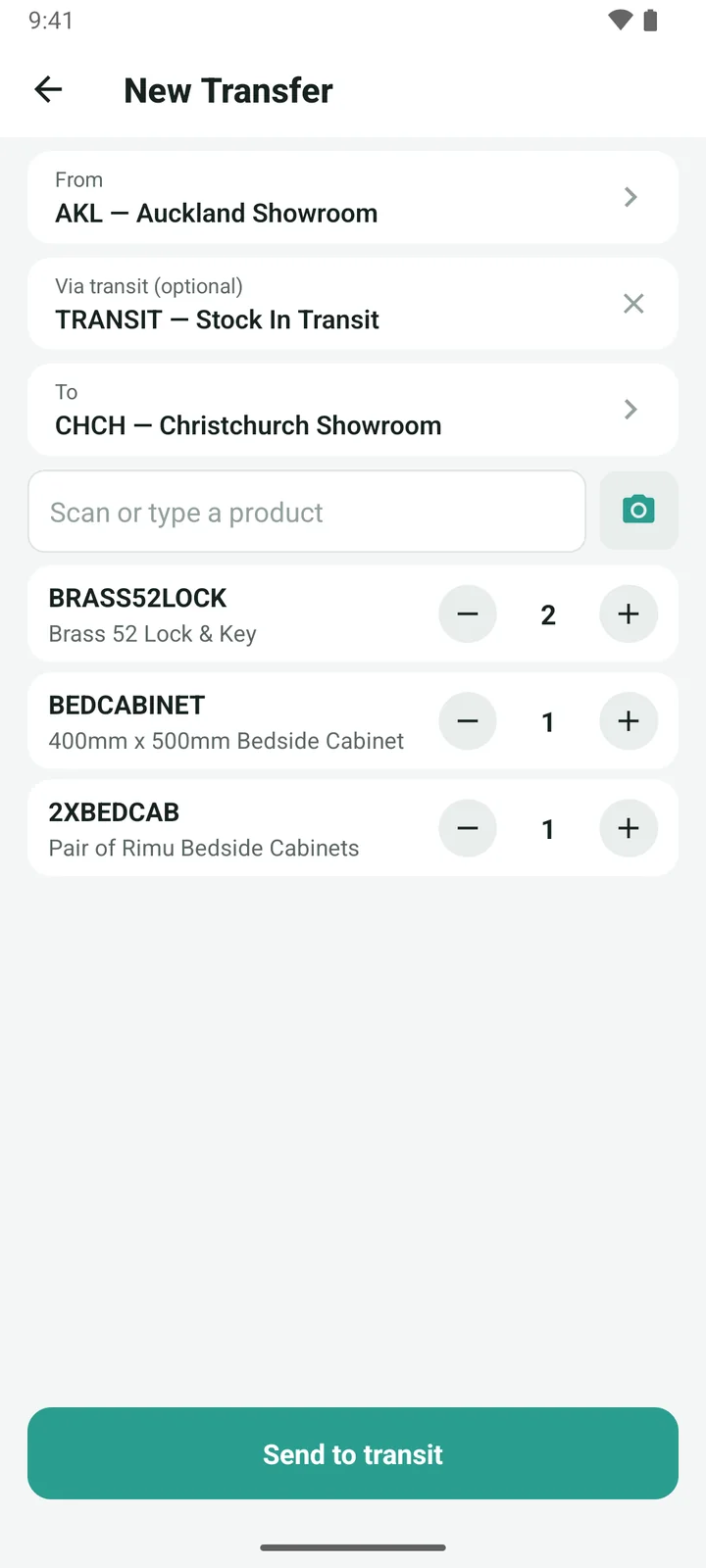
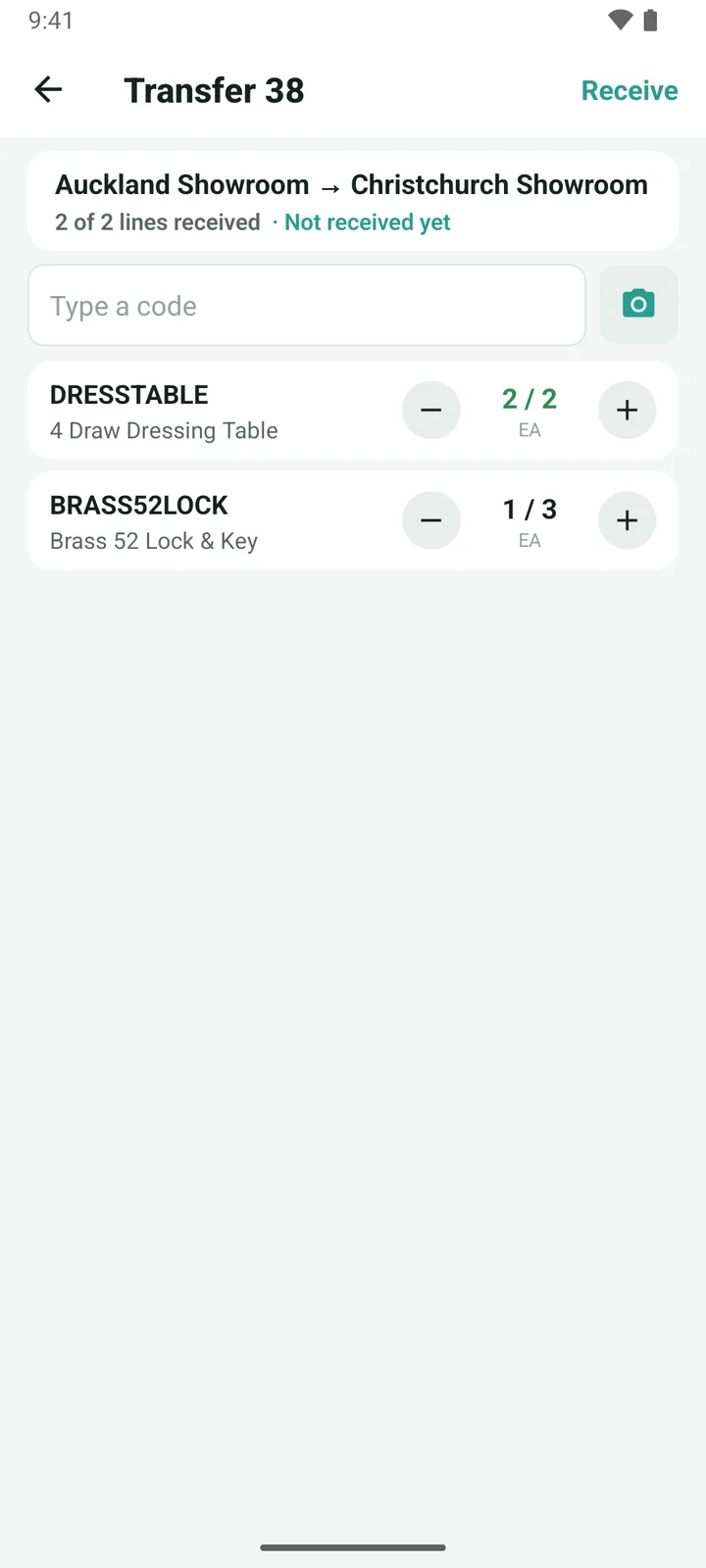
Create multi-product stock transfers, optionally through a transit location, and receive them at the other end by scanning.
Job materials
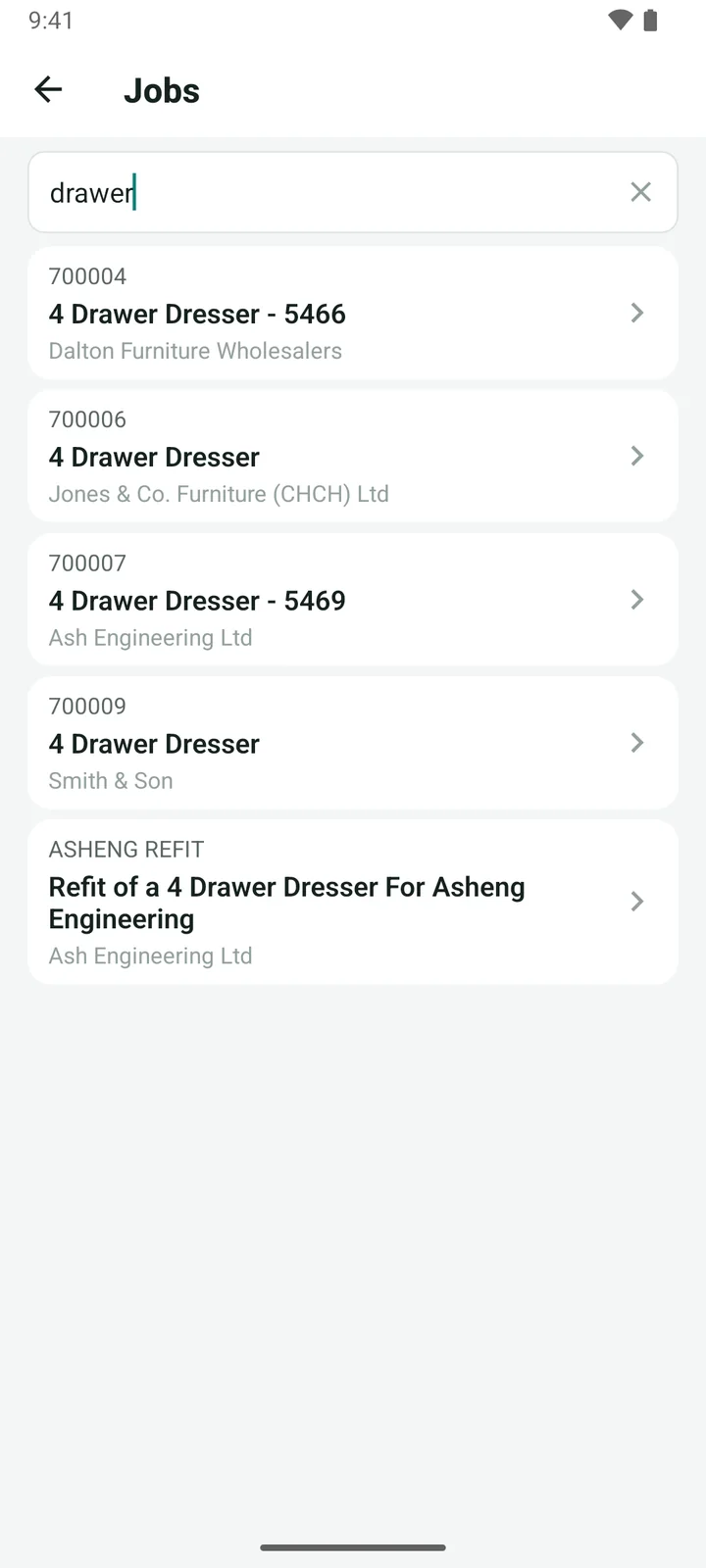
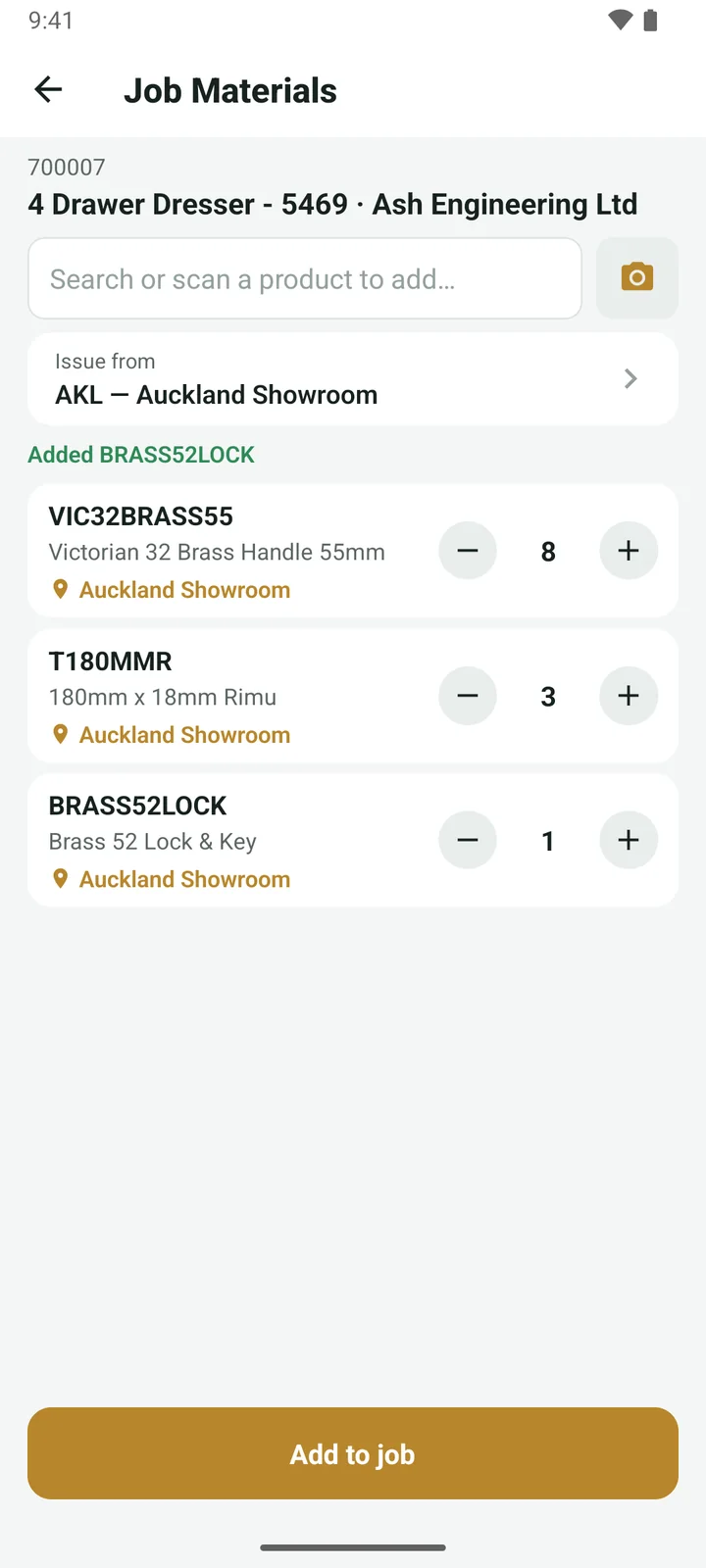
Issue stock to an active Accredo job. Find the job, scan or search the products used, choose the location they came from, and save them straight to the job's costs.
Fast search
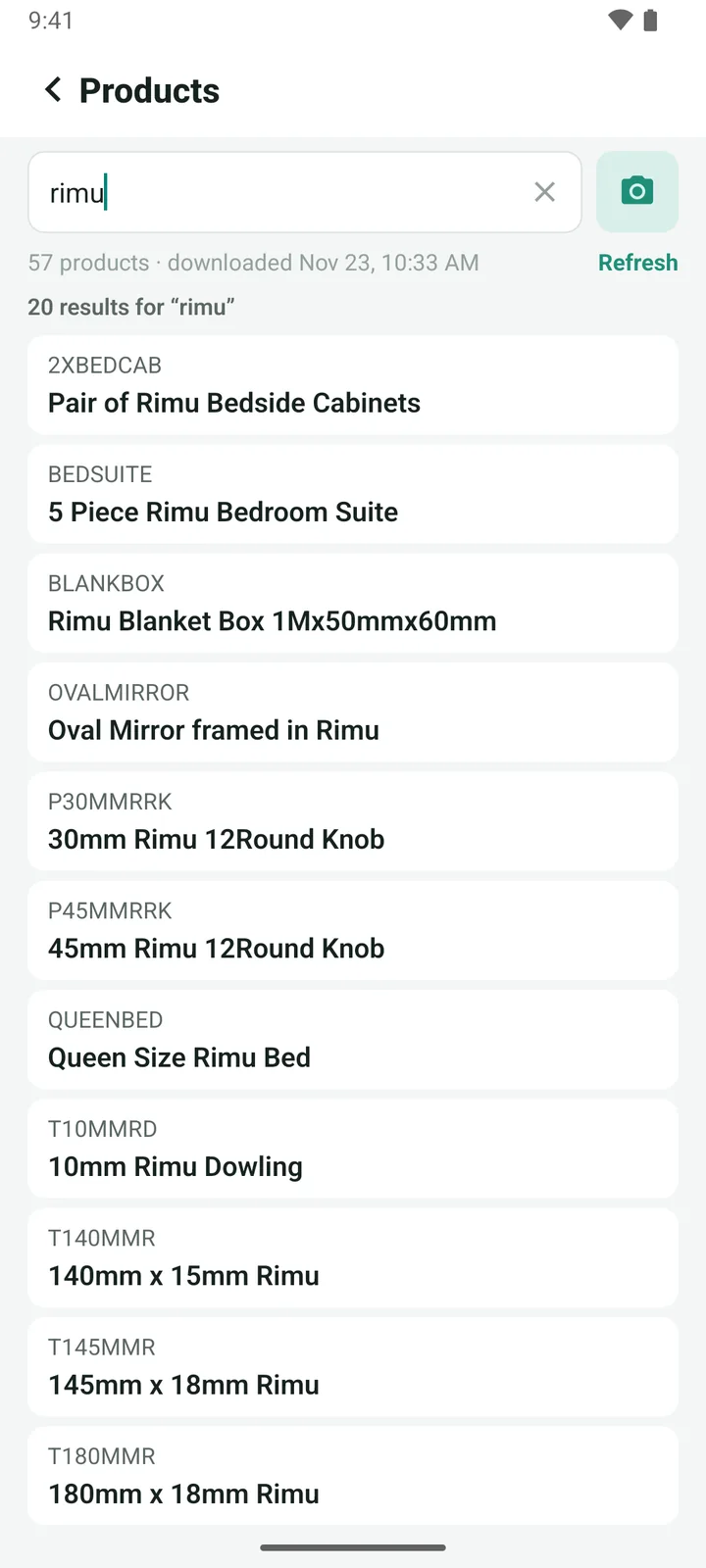
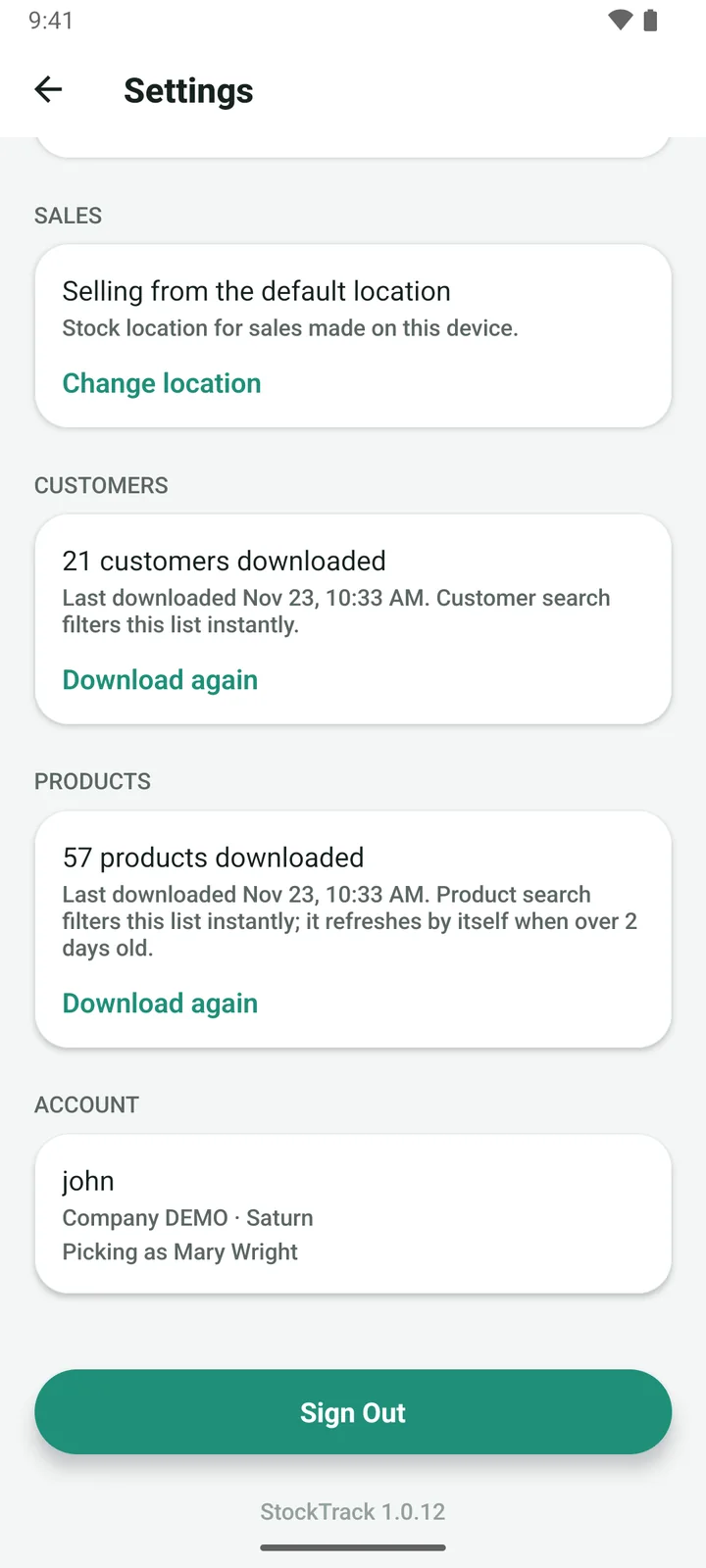
Your product and customer lists are downloaded to the device and kept up to date automatically, so searching is instant even on a slow connection. Accredo is checked directly whenever a product isn't found.
Scanning
Scan with the phone camera, type codes in, or use a handheld scanner, including scanners that send codes straight to the app without needing a text box in focus.
Permissions and settings
Every task is controlled by per-user permissions, with company settings managed from the StockTrack web dashboard. Staff sign in with their own Accredo login, so Accredo's own security still applies.